
PhotoRec 从任何存储设备恢复丢失的文件、视频和照片
值得信赖的开源数据恢复工具,忽略文件系统以安全地查找和恢复底层数据。免费、只读且维护透明。
只读设计 • GPL 许可证 • Recuva 替代品
什么是 PhotoRec?
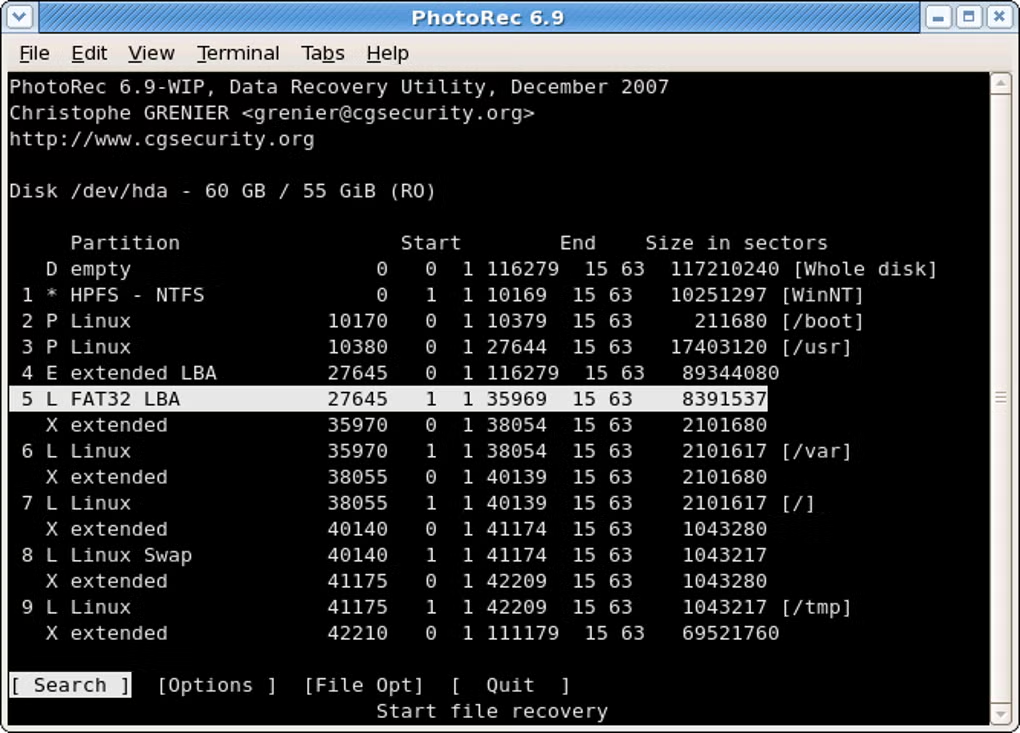
PhotoRec is an open-source data recovery utility that focuses on raw data carving. It ignores file systems such as FAT, NTFS, exFAT, ext2/ext3/ext4, and HFS+ to locate and recover the underlying file data. This approach makes PhotoRec effective on formatted, corrupted, or damaged partitions where directory structures have been lost.
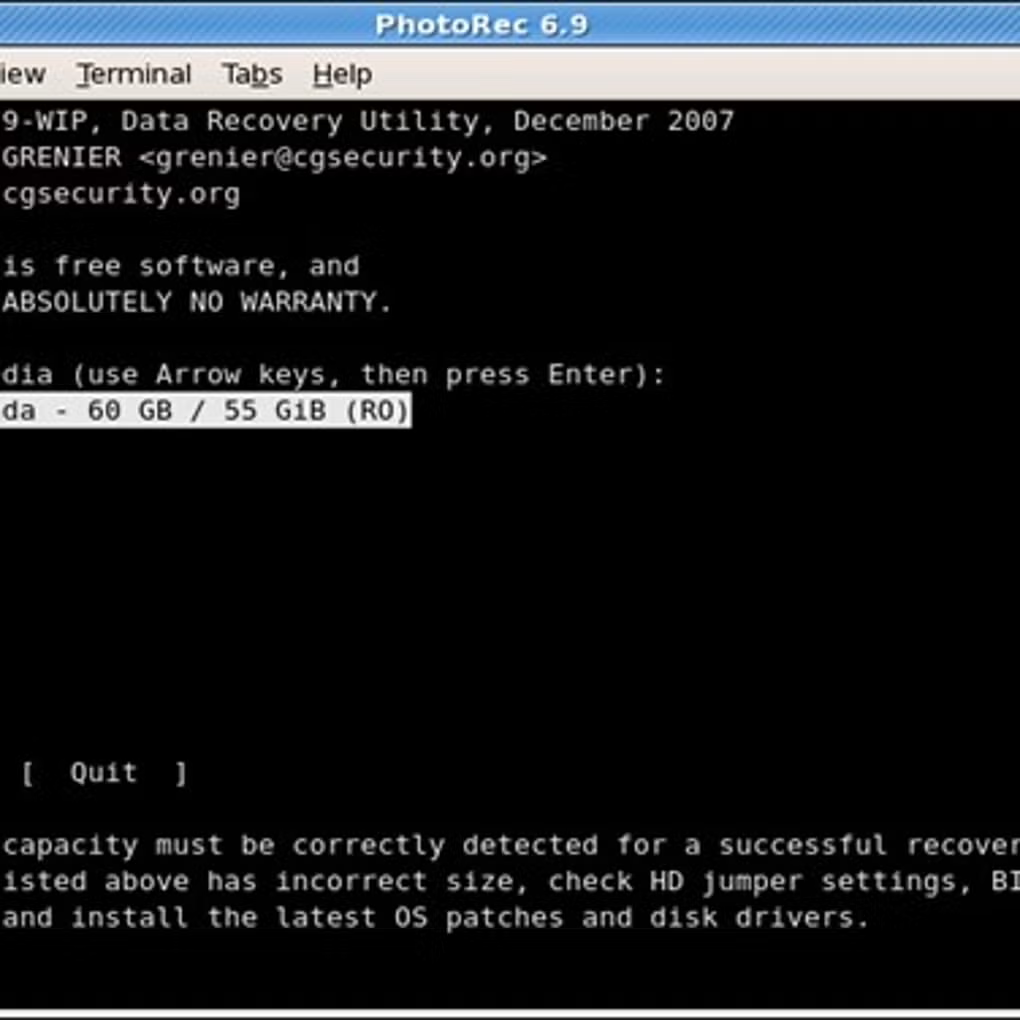
PhotoRec works read-only against the source media, guaranteeing the safety of your drive. It is bundled with TestDisk, its companion tool for partition recovery.
主要功能
查看所有功能Broad File Format Support
Recovers 480+ file types including JPEG, PNG, ZIP, Office, PDF, and more.
Storage Media Compatibility
Works with hard disks, SD cards, USB flash drives, CD‑ROMs, and cameras.
Raw Data Recovery
Ignores file systems to carve data from formatted or corrupted partitions.
Read‑Only Process
Never writes to source media, protecting the integrity of your drive.
Companion to TestDisk
Use TestDisk to recover partitions, then PhotoRec to restore files.
Step‑by‑Step Guides
Clear instructions for PhotoRec CLI and QPhotoRec GUI recovery.
真实案例
摄影师
Recover RAW and JPEG files from faulty SD cards and formatted camera storage.
IT 管理员
Handle corrupted volumes and restore user data after accidental reformats.
普通用户
Recover documents, videos, and photos deleted from USB flash drives or disks.
恢复对比预览
PhotoRec
- Open-source, GPL
- Read-only recovery
- Raw data carving
- 480+ formats
Recuva
- Proprietary
- File system-based
- Windows focused
- Paid features
Disk Drill
- Proprietary
- Cross‑platform
- Freemium
- File system tools
EaseUS
- Proprietary
- Windows/macOS
- Paid tiers
- File system recovery
For partitions and lost volumes, use TestDisk together with PhotoRec.
使用 TestDisk 修复分区
TestDisk 是 CGSecurity 推出的免费开源数据恢复软件。它的主要设计目的是帮助您恢复丢失的分区,并在因软件故障、病毒或人为错误导致磁盘无法启动时,使其重新启动。
这是一个强大的分区和数据恢复实用程序,工作在文件系统和分区表级别。选择磁盘,选择分区表类型,让 TestDisk 分析并搜索丢失或损坏的结构。
关键能力
-
分区恢复 恢复删除的分区并修复分区表。
-
引导扇区修复 重建 NTFS/FAT 引导扇区并修复 MFT。
-
反删除文件 从 FAT、exFAT、NTFS 和 ext2 文件系统恢复文件。
Trust & Transparency
- 只读设计. PhotoRec never writes to the source drive.
- Open-source under GPL. Inspect the code and verify integrity.
- Companion with TestDisk for comprehensive recovery workflows.